


Shigai Royalty
My honest Shigai Royalty review looks at the puzzle engine, KDP features, upgrades, pros, cons and who it suits.


Thumbium is an AI-powered thumbnail creation platform for YouTube videos and YouTube Shorts.
You describe the thumbnail you want, choose a style, add your headline and optionally upload your own face, product image or background. Thumbium then generates complete thumbnail designs in the correct dimensions.
It supports standard 16:9 YouTube thumbnails as well as vertical 9:16 covers for Shorts.
One thing I like here is that the software is not simply placing text over the same collection of templates. It generates original artwork from your instructions and gives you up to four variations from one request.
You can also edit an existing result by typing what you want changed. For example, you could ask it to change the background, clothing, facial expression, colours, font style or time of day while keeping the rest of the composition intact.
Thumbium is sold as a one-time purchase rather than a monthly subscription. However, it runs through your own OpenAI API key, so you still pay OpenAI a small generation cost each time you create an image.
Thumbium was created by Chris Derenberger, a highly experienced online marketer and software developer who has been working full-time in the industry since 2013.
Chris is a seven-figure marketer with nearly 30,000 recorded sales on WarriorPlus and one of the platform’s highest seller ratings. That kind of track record matters because it shows he has been consistently creating, selling and supporting products for many years. 
I have personally reviewed a number of Chris’s previous launches, and he continues to amaze me with the quality of the software he brings to the market. His products are normally focused, practical and built to solve a genuine problem rather than being packed with features nobody will actually use.
Another thing I value is that Thumbium is personally supported by Chris himself. Buyers are not simply being passed to an anonymous outsourced support desk after purchasing.
What stands out to me is his consistency. Maintaining such a strong WarriorPlus rating across thousands of customers is not something that happens by accident, and it gives me much more confidence recommending Thumbium to my audience.
You can type a simple description of the thumbnail you have in mind and let Thumbium build the image for you.
This is useful for creators who know roughly what they want but do not know how to recreate the idea in Photoshop or Canva.
Thumbium supports both widescreen YouTube thumbnails and vertical YouTube Shorts covers.
You choose the format at the beginning of the project, and the platform handles the sizing automatically.
You can request up to four different versions from one idea.
The benefit here is that you are not stuck with the first result. You can compare different layouts, expressions and visual directions before choosing the strongest one.
You can upload your own photograph, product image or background.
Thumbium can remove the original background, isolate the subject and place it inside a new scene. This can be especially useful for review videos, tutorials, personal-brand channels and product demonstrations.
After generating a thumbnail, you can make changes using ordinary written instructions.
Instead of rebuilding the whole design, you could ask Thumbium to make the text larger, change the sky, replace an object, adjust the person’s clothes or create a stronger facial expression.
You can choose different image types and creative directions, including photorealistic, cartoon, anime and 3D styles.
There are also thumbnail-focused styles such as clean, reaction and clickbait. Naturally, you still need to choose a look that fits your channel rather than simply making everything as loud as possible.
You can add your thumbnail headline and control its approximate position and size.
You can also provide a visual reference if you want the AI to follow a particular font, colour or shadow style.
Finished thumbnails are stored inside your account, where you can search, filter, rename, download or delete them.
The important detail is that images remain in the gallery for 30 days. You should download the designs you want to keep rather than treating the gallery as permanent storage.
Thumbium uses your personal OpenAI API key for image generation.
This removes the need to purchase credit packs from the vendor and gives you direct control over your usage. The estimated generation cost is shown before you create the thumbnails.
Medium-quality images are presented as costing approximately $0.04 each, while high-quality images are around $0.16 each. Actual API pricing can change, so I would always check your OpenAI usage dashboard rather than assuming the cost will remain exactly the same forever.
The setup is fairly straightforward, even if you have never used an API key before.
First, you purchase the Thumbium package that gives you the monthly thumbnail allowance you need.
You then log into your account, create an OpenAI account if you do not already have one, generate an API key and paste it into your Thumbium profile. There is no coding or software installation involved.
Once the key is connected, you create a new project and choose either the YouTube or Shorts format.
Next, you can upload a subject image and background, although both are optional. You describe the scene, enter your overlay text and choose the general style you want.
You then select medium or high image quality and decide how many variations to generate.
Thumbium shows you the estimated API cost before you continue. Once the images are ready, they appear inside your gallery for downloading or further editing.
The way I see it, the process is simple enough for beginners, but getting consistently excellent thumbnails will still depend on the quality of your ideas and prompts. The software can create the design, but it cannot automatically understand your audience as well as you do.
Thumbium is primarily aimed at:
If you are just starting out, Thumbium could help you avoid spending hours trying to learn complicated design tools before publishing your first videos.
It could also suit regular creators who already know what good thumbnails look like but want to speed up production.
That said, it is not a replacement for understanding your niche. A technically impressive thumbnail can still underperform if the idea, headline or promise does not match what viewers care about.
What stands out to me is the combination of original AI-generated artwork, reference photo support and simple written editing.
There are plenty of general image generators available, but Thumbium packages the process specifically around YouTube thumbnails. The correct formats, text controls, style options, variation settings and gallery are already organised in one place.
The one-time pricing is another attraction. You are not paying Thumbium every month just to keep your account open, although you do need to remember the separate OpenAI API generation costs.
For people who want a broader system for promoting and managing digital products rather than a dedicated thumbnail creator, I would also recommend checking out my Digital Profit Stack AI Review. It covers a different online business model and may be a better fit if your main focus is organising and promoting several offers from one platform.
Thumbium has three front-end packages. All are presented as one-time purchases, with the thumbnail allowance refreshing each month.
This entry-level package includes:
This should be enough for creators who publish a few videos each month and only need a small number of variations.
This package includes:
This is likely to be the most suitable option for regular creators who want enough room to generate several versions for each upload.
This package includes:
The Agency option is aimed at high-volume channels, freelancers and agencies producing graphics for multiple clients.
Packages purchased using the same email can be stacked. For example, buying Hobby and Business would provide a combined allowance of 150 thumbnails per month.
Remixer takes one existing image and creates up to ten alternative versions.
It can change elements such as:
The new variations are saved directly to the user’s gallery. This could be useful for thumbnail testing or creating several promotional versions from one core design.
The Copywriter upgrade analyses a thumbnail and creates:
This upgrade connects the visual side of a video with its written metadata. It may save time, although I would still edit the generated copy so it sounds natural and accurately reflects the video.
Client Review is designed for people who want to sell thumbnail creation as a service.
It includes:
This upgrade makes the most sense for freelancers or agencies. A typical channel owner creating thumbnails only for personal use probably would not need it.
Thumbium also comes with a 14-day money-back guarantee. Buyers are encouraged to contact support if the software does not work correctly, the results miss the mark or a technical issue cannot be resolved.
No. You pay for the selected Thumbium package once, and your thumbnail allowance refreshes each month without another payment to the vendor.
You will still pay OpenAI separately for the images generated through your API key.
Yes. Thumbium requires an OpenAI API key to generate and edit images.
Creating the key does not require coding. You copy it from your OpenAI account and paste it into the Thumbium profile area.
The stated estimated cost is approximately $0.04 for a medium-quality image and $0.16 for a high-quality image.
These charges are paid directly to OpenAI. Costs can vary if OpenAI changes its API pricing.
Yes. You can upload a photograph, and Thumbium can remove the original background and place the subject into a newly generated scene.
The same feature can be used for product photographs.
Yes. You can choose between the standard 16:9 YouTube format and the vertical 9:16 Shorts format.
Thumbnail generation pauses until your allowance resets at the beginning of the next month.
You can also purchase another package using the same email address, and the allowances will be combined.
No. Generated thumbnails remain in the Thumbium gallery for 30 days.
You should download any images you intend to keep.
Yes. You can describe the changes you want in plain English and ask the AI to update the image.
Depending on the request, you can alter colours, clothing, backgrounds, objects, expressions, fonts and other visual details.
The Client Review upgrade includes commercial rights and tools designed for providing thumbnail services to clients.
Anyone planning to sell the work should read the current licence terms carefully before offering the service.
No software can guarantee views, subscribers or a particular click-through rate.
A stronger thumbnail may improve the chances of someone clicking, but performance also depends on the video topic, title, audience, competition and quality of the content.
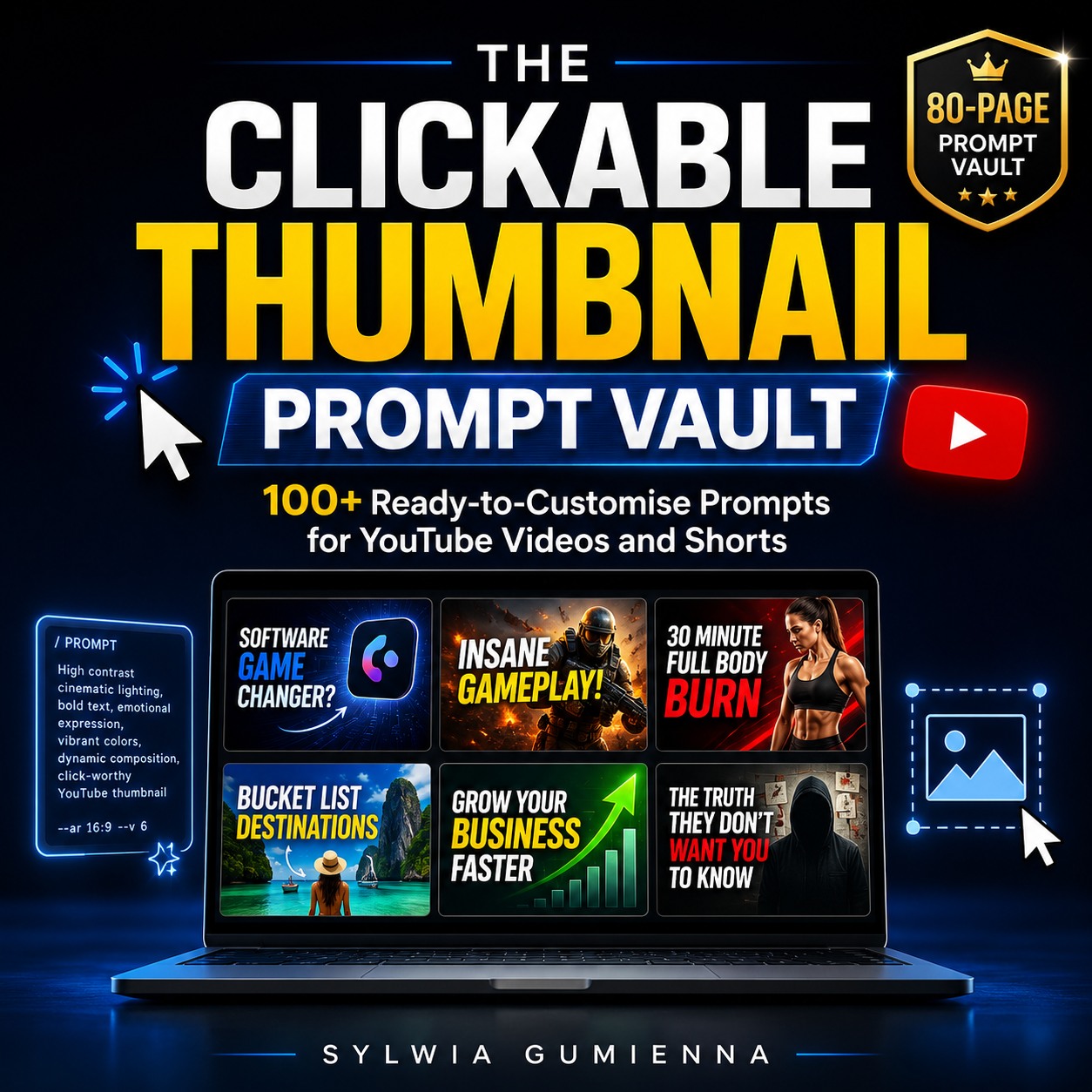
Create stronger thumbnail concepts without staring at a blank prompt box.
This practical 80-page guide gives you more than 100 ready-to-customise prompts covering product reviews, software, affiliate marketing, business, finance, tutorials, fitness, travel, gaming, entertainment, faceless channels, documentaries, mystery content and more.
You will also get multiple thumbnail styles, clickable text hooks and fast editing prompts to help you improve layouts, expressions, colours, backgrounds and product placement inside Thumbium.
It is the perfect companion to the main software because it helps you move from simply having the tool to knowing exactly what kind of thumbnails to create.
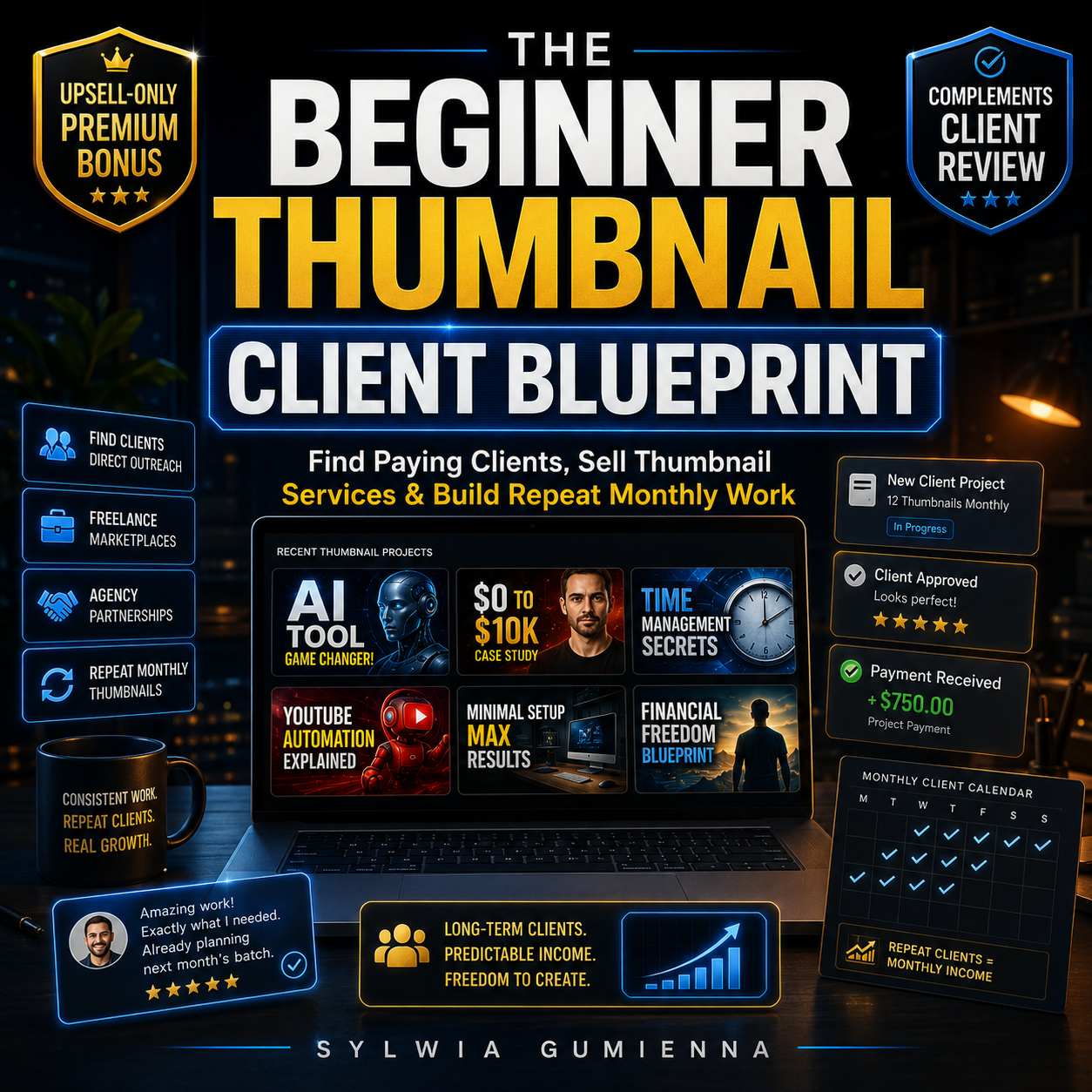
Premium bonus available with any Thumbium upsell purchase.
This complete beginner-friendly guide shows you how to turn Thumbium into a real thumbnail service by building a portfolio, creating packages, setting prices and finding paying clients.
You will learn how to sell through Fiverr, Upwork and smaller marketplaces, reach YouTubers directly, connect with editors and agencies, handle client briefs and revisions, and turn one-off orders into repeat monthly work.
This bonus complements the Client Review upsell in particular, because that upgrade includes the commercial rights and private approval links needed to offer thumbnails professionally to clients. However, the bonus is available when you purchase any Thumbium upsell through my link.
– Your bonuses will be automatically delivered inside your JVZoo or WarriorPlus customer portal.
– If for any reason you experience any issues accessing your bonuses, we’ve got you covered! Simply visit our Claim Bonuses page, fill out the form, and we’ll assist you with accessing your bonuses.
After checking Thumbium from start to finish, I think it offers a practical solution to a very specific problem.
Creating thumbnails can easily become one of the slowest parts of publishing a video. You may have a strong topic and a finished recording, yet still spend another hour moving text around Canva and trying to make the image look professional.
Thumbium simplifies that process without removing all creative control. You can bring your own photos, describe the scene, choose a style, generate several versions and then adjust the result using written instructions.
To be fair, it will not turn every idea into a winning thumbnail automatically. You still need to choose a strong concept, keep the wording readable and understand what attracts viewers in your niche.
The OpenAI API requirement may also sound technical at first, although the actual setup is mostly a matter of copying and pasting one key. I would simply keep an eye on API usage and avoid generating endless variations without a clear purpose.
My overall verdict is positive. Thumbium is focused, affordable and easy to understand. It should be particularly useful for regular YouTube creators, affiliate marketers and anyone who wants original thumbnails without paying a designer or maintaining another monthly software subscription.
The Business package probably offers the best balance for most active creators, while Hobby is a sensible starting point for people posting less frequently. Agency and the Client Review upgrade are more relevant to service providers or channels working at higher volume.
Thumbium Bonuses
If you decide to pick up Thumbium through my link, you’ll also get access to exclusive bonuses designed to help you get results faster.
These bonuses are created to complement the main product and give you additional strategies, tools, and guidance so you can make the most out of the system.
Explore latest products of the day from WarriorPlus and JVZoo