

Royalty Profits AI Vol 2
Royalty Profits AI Vol 2 review: I tested this rebuilt AI KDP publishing platform to see what has really changed.

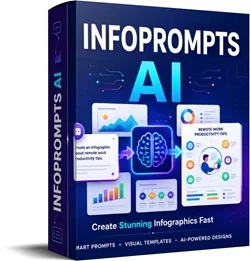
InfoPrompts AI is a web-based prompt generation tool designed specifically for creating infographics with AI image generators.
You enter a topic, choose one of 30 infographic frameworks, select the visual direction and other options, and InfoPrompts AI builds the detailed prompt for you.
You then copy that prompt into a compatible AI image generation tool to create the actual graphic.
And that distinction is important.
InfoPrompts AI does not generate the final infographic itself. Its job is to give your image AI much better instructions.
At first, that can sound almost too simple. But after looking through the different frameworks, I think the structure is actually the main value here.
If you simply tell an AI tool, “create an infographic about email marketing,” the result can be very unpredictable. The AI has to decide what information belongs in it, how it should be arranged and what type of visual hierarchy makes sense.
InfoPrompts AI takes much of that guesswork away.
Instead, you could turn that same email marketing topic into a roadmap, decision tree, mistakes infographic, blueprint, pyramid, cheat sheet, buyer’s guide or dozens of other formats.
That makes it less of a traditional prompt collection and more of an infographic idea and structure generator.
InfoPrompts AI is created by Ken Bluttman, a long-established software developer and digital product vendor with more than 20 years of experience in development and corporate training.
Ken has worked on projects ranging from small businesses to development teams involved with much larger organisations, and he has released dozens of products covering areas such as Amazon KDP, Etsy, YouTube, AI and web-based software. 
He is also a WarriorPlus Top 5% vendor and has achieved Deal of the Day multiple times.
What I appreciate with Ken’s products is that there is normally a very specific purpose behind the software. InfoPrompts AI follows that same approach. It isn’t trying to become another huge all-in-one AI platform. It solves one fairly narrow problem: creating much better prompts for visual infographics without having to work out the structure yourself.
The front end includes 30 different frameworks, and I think this is the strongest part of the product.
These aren’t simply 30 slightly rewritten prompts.
You get structures including:
…and quite a few others.
What stands out to me is how much these structures can change the way the same information is presented.
One topic could easily give you several completely different visual assets rather than one infographic with slightly different colours.
You don’t need to learn advanced prompting.
Enter the subject you want to cover, select your framework and let the software build the more detailed instructions.
For beginners especially, this removes that annoying blank-prompt problem where you know roughly what you want but don’t know how to explain it properly to the AI.
You also get control over how the infographic should look.
That means you’re not locked into one generic design style. Different visual directions can be used depending on whether you’re creating educational content, social media graphics, business content or something more creative.
One thing I like here is that structure and visual appearance are treated separately.
You can take a framework you like and experiment with different looks instead of having to rebuild your prompt.
InfoPrompts AI supports different image formats and orientations.
That’s useful because an infographic for Pinterest or Instagram may need a completely different shape from something you’re adding to a blog post or presentation.
You can add a website address, footer or call-to-action to your prompt if you want the AI to incorporate branding into the finished visual.
Alternatively, you can leave it clean.
It’s a small feature, but useful if you’re creating lead-generation graphics or promotional content.
This is probably where I see the biggest practical use for marketers.
Imagine you’ve written one good blog post.
Instead of simply sharing the article again and again, you could turn the main idea into a cheat sheet, then a step-by-step graphic, then a mistakes infographic, followed by a decision tree.
You haven’t needed four completely new content ideas.
You’ve simply presented the original information in four different ways.
That’s particularly useful for social media, blogs, lead magnets and affiliate content.
The workflow is refreshingly short.
Start by typing whatever you want the infographic to explain.
It could be anything from marketing and business to food, travel, hobbies, education or product comparisons.
Next, select the type of infographic you want.
This is really the creative part of the process.
For example, “How to Start Affiliate Marketing” could become a roadmap, while “Common Affiliate Marketing Mistakes” would naturally suit the mistakes framework.
The exact same subject could also become a diagnostic infographic or a beginner cheat sheet.
Select how you want the finished infographic to look and set any additional options such as size, orientation or CTA.
InfoPrompts AI puts the instructions together into a detailed, ready-to-use prompt.
You copy it.
Finally, paste the prompt into your preferred compatible AI image generator and generate the infographic.
You may still want to regenerate or refine some images.
AI image generation is AI image generation, after all, and no prompt can guarantee that every piece of text or every visual element will come out perfectly every single time.
But the big advantage is that you’re starting with a proper structure rather than asking the AI to figure everything out from scratch.
InfoPrompts AI should make the most sense for people who already have a reason to create visual content.
That includes:
Social media marketers who need educational graphics, visual tips and saveable content.
Bloggers and website owners who want to break up written articles with more interesting visuals.
Affiliate marketers who can turn product features, comparisons, tutorials and buying information into graphics.
Digital product sellers who need visuals for guides, lead magnets and promotional material.
Course creators and trainers who want to explain concepts visually.
Freelancers and agencies creating social media or infographic content for clients.
E-commerce sellers who could use visual comparisons, product guides or educational graphics around their niche.
If you’re just starting out, I don’t think you need to understand infographic design before using this.
The software handles the prompt structure.
You will, however, need access to an AI image generation platform because the front end isn’t the image generator itself.
InfoPrompts AI should make the most sense for people who already have a reason to create visual content.
That includes:
Social media marketers who need educational graphics, visual tips and saveable content.
Bloggers and website owners who want to break up written articles with more interesting visuals.
Affiliate marketers who can turn product features, comparisons, tutorials and buying information into graphics.
Digital product sellers who need visuals for guides, lead magnets and promotional material.
Course creators and trainers who want to explain concepts visually.
Freelancers and agencies creating social media or infographic content for clients.
E-commerce sellers who could use visual comparisons, product guides or educational graphics around their niche.
If you’re just starting out, I don’t think you need to understand infographic design before using this.
The software handles the prompt structure.
You will, however, need access to an AI image generation platform because the front end isn’t the image generator itself.
The reason I’d consider InfoPrompts AI isn’t because writing an infographic prompt manually is impossible.
You absolutely can.
The advantage is speed, variety and consistency.
Instead of researching different infographic types, deciding how each one should be structured and repeatedly rewriting complicated prompts, you have those frameworks ready to go.
It also encourages you to think beyond the obvious.
I probably wouldn’t immediately think, “I’ll turn this topic into a fishbone diagram” or “let’s create an exploded-view infographic.”
Here, those options are sitting in front of you.
And that can lead to much more interesting content.
✓ Very easy to use
There aren’t dozens of complicated steps or a big learning curve.
✓ 30 genuinely different infographic structures
The frameworks cover much more than basic timelines and step-by-step graphics.
✓ Works across almost any niche
The topic isn’t built into the prompts, so the same framework library can be reused across completely different projects.
✓ Good content-repurposing potential
One existing article, lesson or idea can become multiple different visual assets.
✓ Useful for both personal and client content
The frameworks can be applied to social media, websites, lead magnets, education, promotions and freelance work.
✗ It doesn’t generate the finished image
You’ll still need a compatible AI image generation tool.
✗ AI-generated infographic text may still need checking
Even with a strong prompt, image models can occasionally produce spelling issues, awkward text or visual mistakes.
✗ The front end has 30 frameworks, not the full 60
The additional 30 frameworks are part of the Pro upgrade.
The way I see it, InfoPrompts AI is much more of a content creation tool than a complete make-money-online system.
You could certainly use the graphics commercially, for marketing or as part of a service, but buying the software doesn’t automatically give you traffic or customers.
If you prefer a completely different online business model rather than creating visual content, I’d also recommend checking out my HOOKD review. That is a very different type of make-money-online system and may suit you better if content creation isn’t what you’re looking for.
InfoPrompts AI has a straightforward four-step funnel.
Launch pricing listed on the JV page: $27
Includes:
This expands the main software with:
For anyone planning to use InfoPrompts AI regularly, this is probably the most logical upgrade because it effectively doubles the framework library.
This adds a separate carousel creation system.
It can:
I can see this being useful for Instagram, LinkedIn and other platforms where carousel-style content performs well.
Launch pricing is scheduled to increase after the promotional period, with the later funnel pricing listed as $37 / $47 / $67.
The launch runs from September 13, 2026 at 10:00 AM Eastern through September 17, 2026 at 11:59 PM Eastern.
No.
The whole point of InfoPrompts AI is to tell the AI how the infographic should be organised and presented without you manually designing the layout.
You should still review the finished graphic before publishing it, especially any text generated inside the image.
No.
It creates the detailed prompt used to generate the infographic.
You’ll need to paste that prompt into a compatible AI image generation platform to produce the final image.
No.
The front end contains 30 frameworks, not 30 generations.
You can reuse those frameworks with different topics again and again.
Yes.
The frameworks aren’t tied to a particular market.
You could use them for marketing today, travel tomorrow and cooking next week.
Yes.
There is an optional CTA/footer feature allowing you to include branding instructions in the generated prompt.
I wouldn’t expect that.
InfoPrompts AI can give the image generator much clearer instructions, but the final result still depends on the AI model you’re using.
Text accuracy, layout and smaller details should always be checked before publishing anything.
Not necessarily.
The front end already gives you 30 frameworks, which is plenty to get started.
The Pro upgrade makes more sense if you use visual content regularly and want the additional 30 structures and premium visual directions.
The product is clearly positioned for client work and creating graphics for businesses, creators and marketers.
As always, I’d still check the current licence terms inside your account if you’re planning to sell finished assets or offer them as a commercial service, particularly if you intend to sell the prompts themselves rather than the graphics you create.
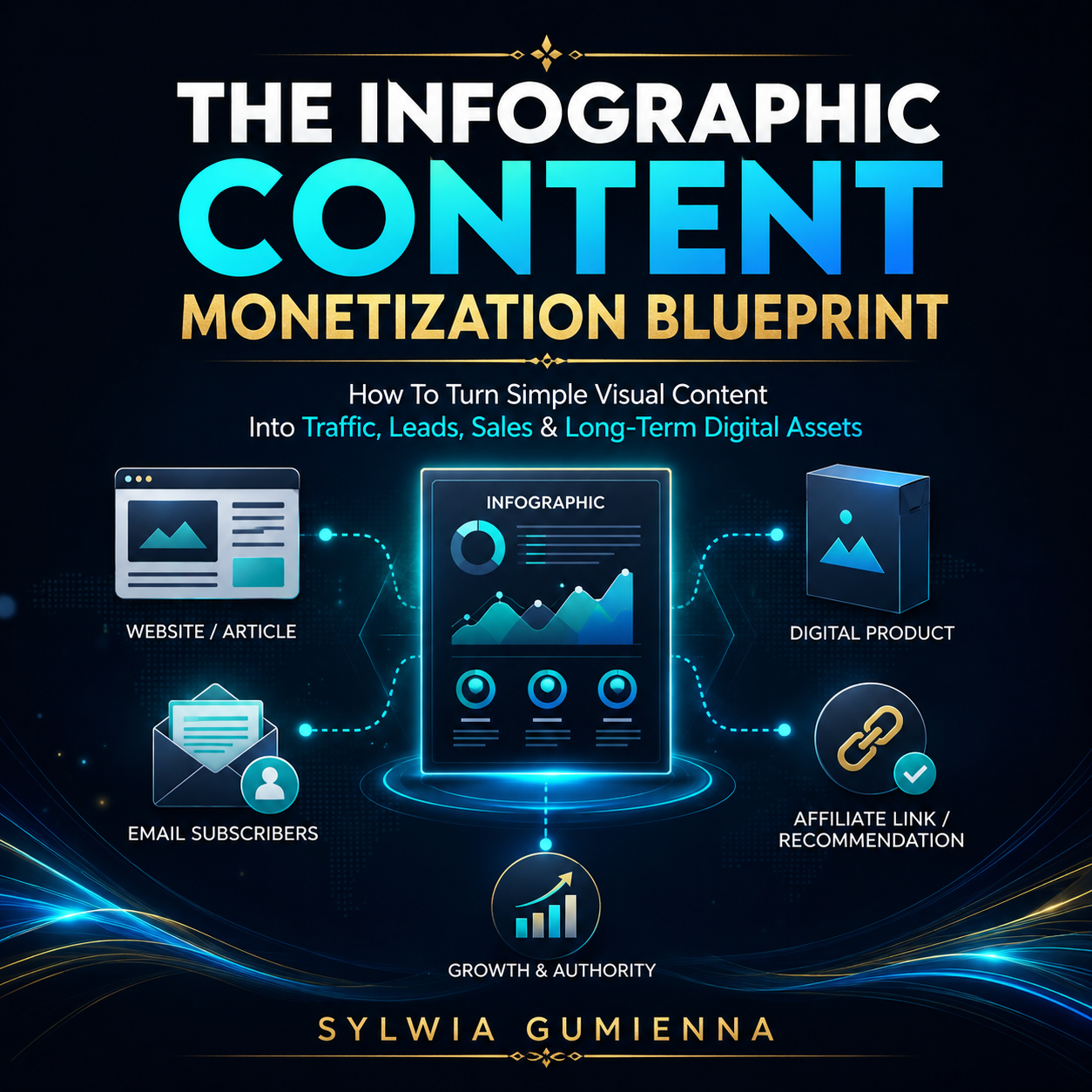
Turn the infographics you create into practical business assets instead of leaving them as one-off graphics. This guide shows you beginner-friendly and more advanced ways to use visual content for affiliate marketing, lead generation, digital products, product reviews and evergreen content pathways — all without relying on hype or complicated funnels.
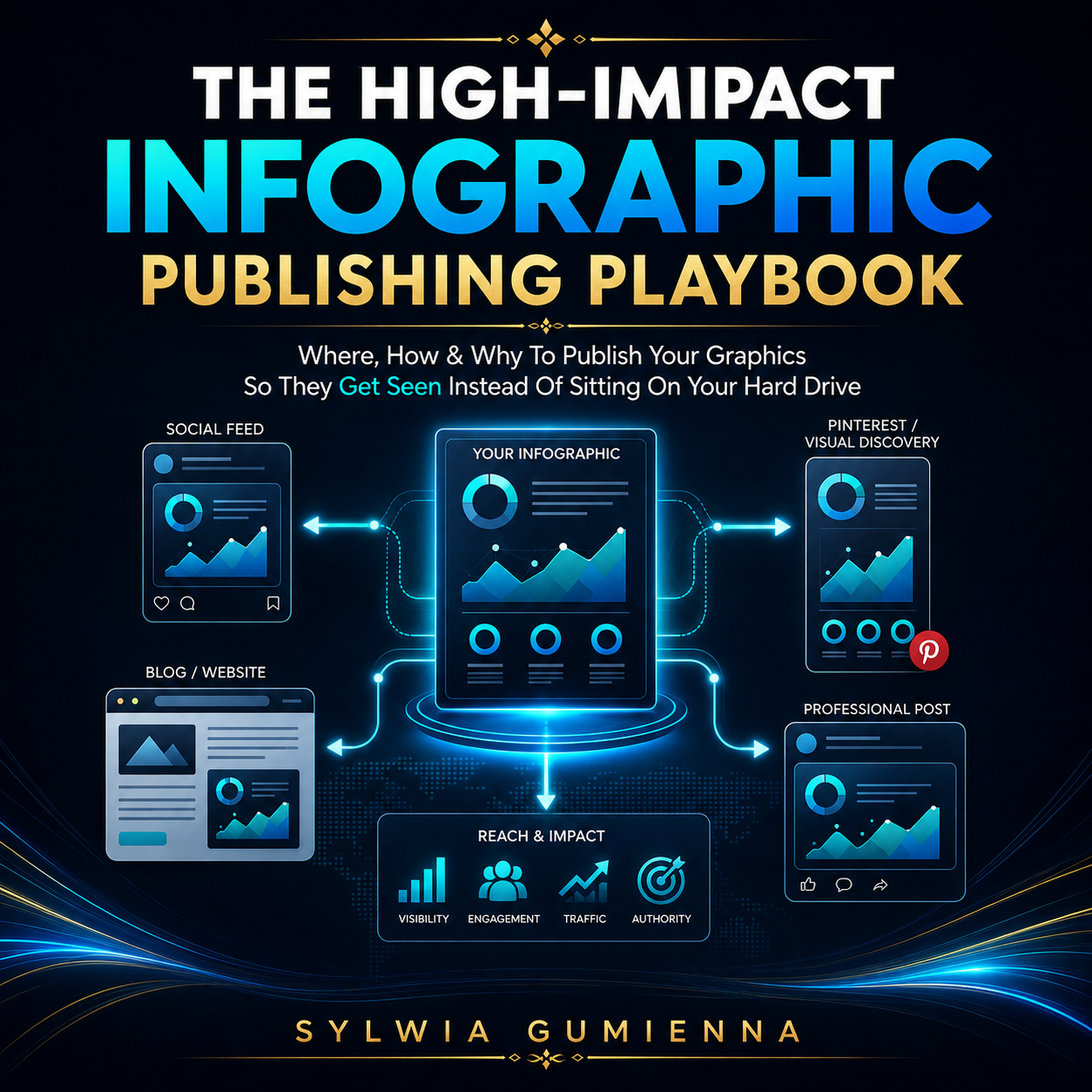
A good infographic is wasted if nobody sees it. This practical guide shows you how to adapt, publish, repurpose and track your graphics across Pinterest, Instagram, LinkedIn, Facebook and your own website — including platform fit, captions, content clusters, simple SEO and a repeatable publishing system.
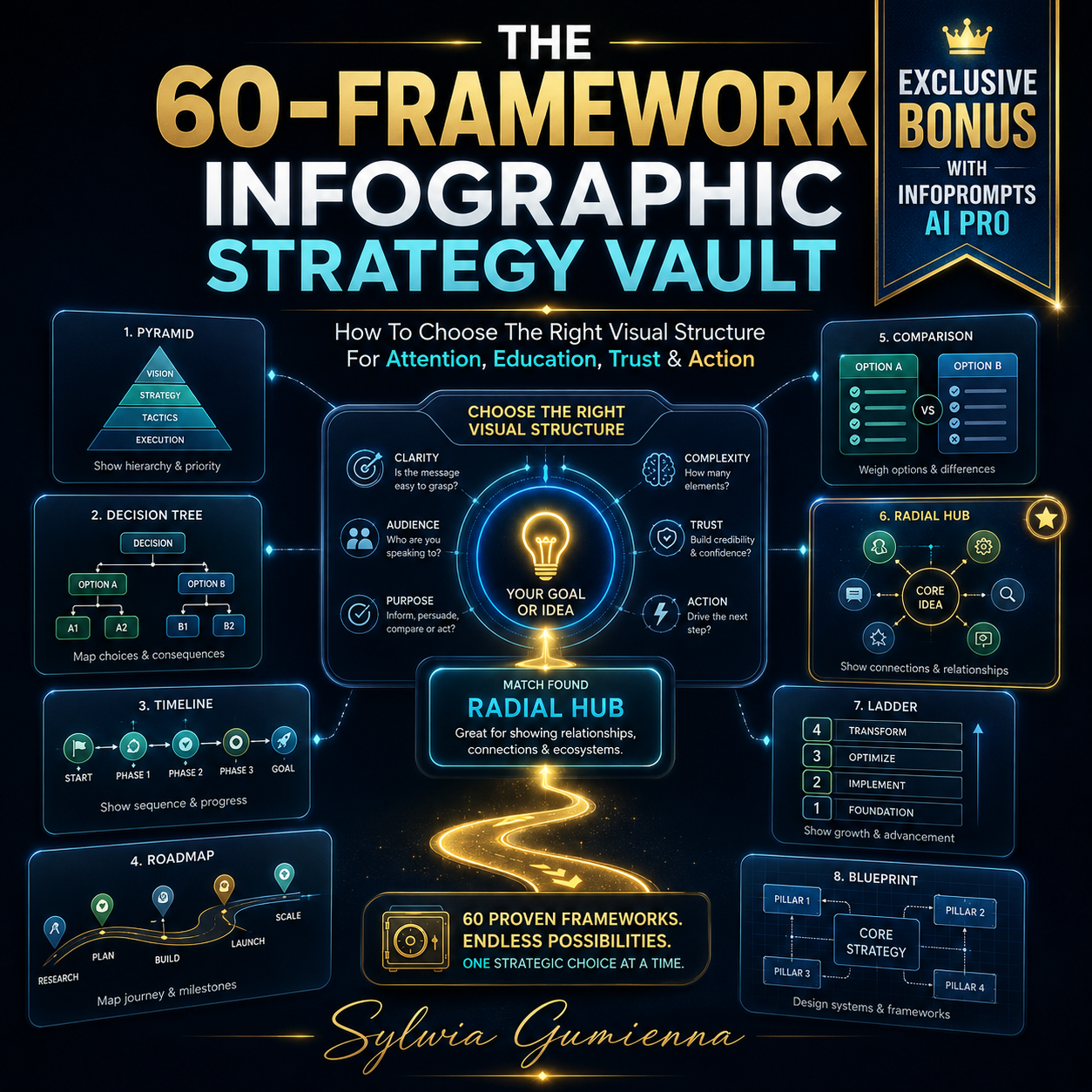
Exclusive Bonus With InfoPrompts AI Pro (OTO 1). This strategy guide helps you get far more value from the expanded 60-framework library by showing you which visual structures suit different goals such as attention, education, comparison, diagnosis and action. Instead of choosing frameworks at random, you will know how to match the right format to the message and build stronger visual content with purpose.
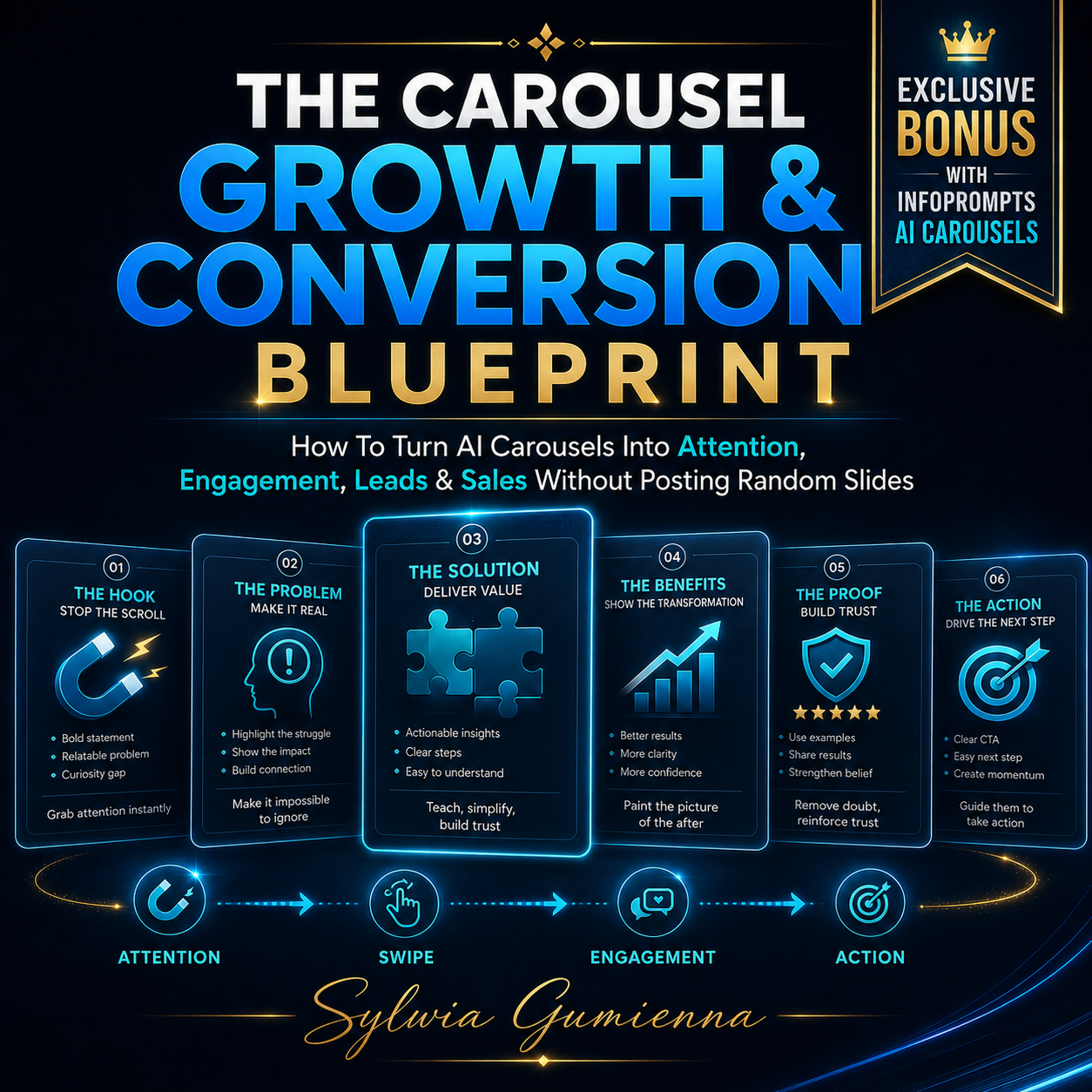
Exclusive Bonus With InfoPrompts AI Carousels (OTO 2). Creating coordinated carousel slides is only part of the job — this guide shows you how to structure them so people actually stop, swipe and continue. Learn stronger hooks, slide sequencing, curiosity gaps, educational flows, soft-selling CTAs, lead-generation carousels and conversion-focused content that feels useful rather than overly promotional.
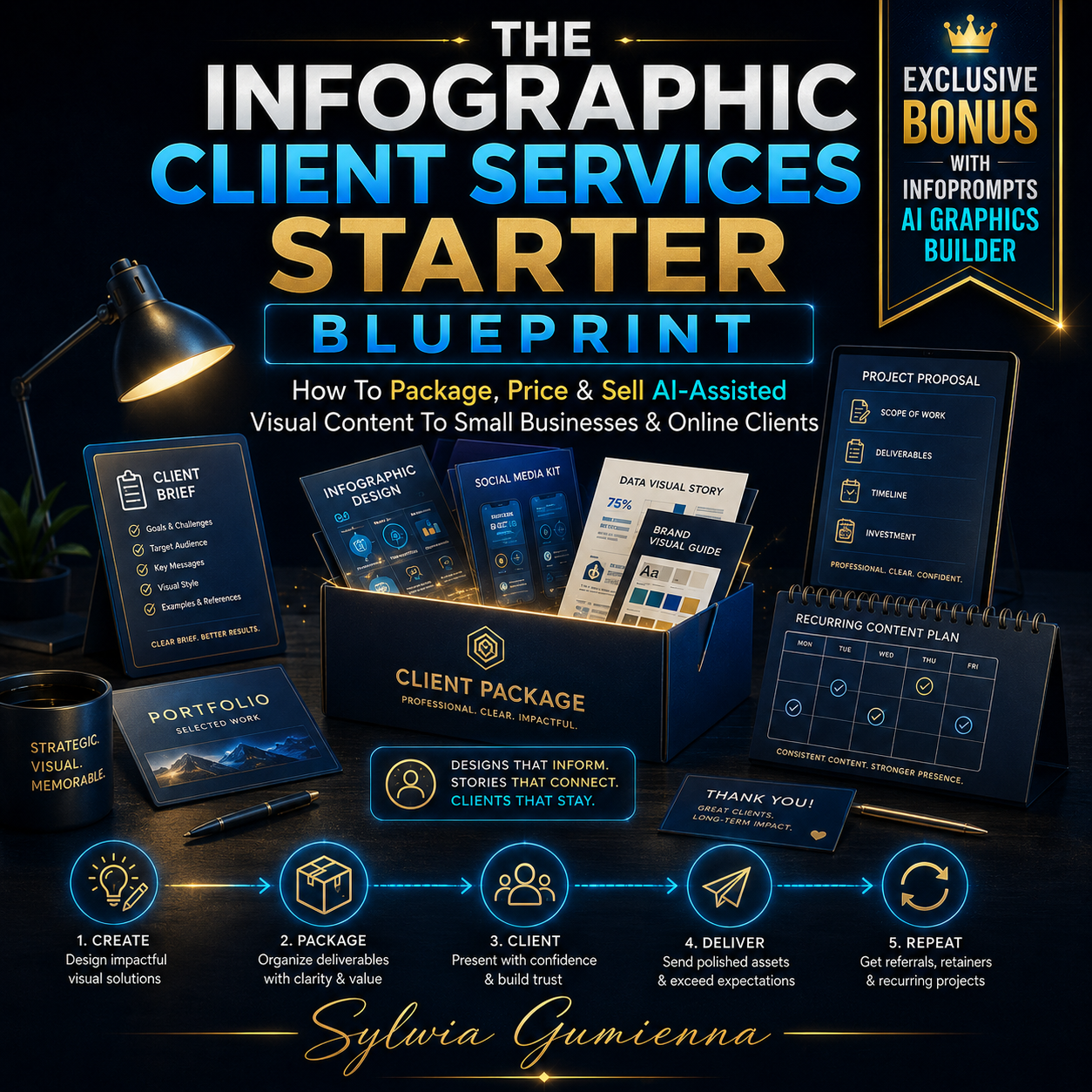
Exclusive Bonus With InfoPrompts AI Graphics Builder (OTO 3). This practical guide shows you how to turn AI-assisted graphics into a simple client service without needing to build a full design agency. Learn how to choose a niche, create a small portfolio, package and price your services, find prospects, handle briefs and revisions, and work towards recurring monthly graphic packages.
– Your bonuses will be automatically delivered inside your JVZoo or WarriorPlus customer portal.
– If for any reason you experience any issues accessing your bonuses, we’ve got you covered! Simply visit our Claim Bonuses page, fill out the form, and we’ll assist you with accessing your bonuses.
After going through InfoPrompts AI, I think its biggest strength is actually its simplicity.
It isn’t pretending to be another gigantic AI platform that writes your content, builds your funnel, generates traffic and somehow runs your entire business at the same time.
It does one thing.
It helps you turn ideas into properly structured infographic prompts.
And it does that in a way that could save quite a bit of trial and error.
The 30 frameworks are what make it more useful than simply keeping a folder of generic infographic prompts. Being able to take one topic and view it as a roadmap, blueprint, diagnostic, decision tree, pyramid or cheat sheet opens up a lot of content possibilities.
I’d particularly look at this if you create social media content, run a blog, promote affiliate products, create lead magnets or work with clients.
That said, you still need an AI image generation tool, and you should expect to check the finished graphics rather than blindly publishing whatever the AI produces.
So no, I don’t see InfoPrompts AI as some revolutionary push-button business.
I see it as a small, practical AI content tool that solves a very real creative problem.
And sometimes those simpler tools are the ones you actually end up using.
If visual content is already part of your business—or something you’ve been meaning to create more consistently—I think InfoPrompts AI offers good value, particularly while the front-end price remains relatively low.
InfoPrompts AI Bonuses
If you decide to pick up InfoPrompts AI through my link, you’ll also get access to exclusive bonuses designed to help you get results faster.
These bonuses are created to complement the main product and give you additional strategies, tools, and guidance so you can make the most out of the system.
Explore latest products of the day from WarriorPlus and JVZoo