


History Co-Author
History Co-Author helps you research, plan and write narrative history with AI. Here’s what I like—and what to consider.

ProductSpark AI is a product idea and prompt-generation tool designed for people who want to create digital products but either don’t know what to make or don’t know how to explain their idea properly to AI.
You start by choosing things such as the type of product you want to create, your niche, your goal, your experience level and how complicated you want the finished product to be.
ProductSpark AI then generates 10 potential digital product ideas based around those choices.
Once you find one you like, you can turn it into a much more detailed master prompt that you copy into ChatGPT, Claude or another AI assistant.
So ProductSpark AI does not actually build the finished product for you.
Its role is to deal with the two stages that normally happen before that: finding the idea and creating a strong enough instruction for AI to build it properly.
That distinction is important because I wouldn’t describe this as an all-in-one digital product creator. It is more of a product-planning and AI prompting tool.
And for $9.95, I actually think keeping it focused is reasonable.
ProductSpark AI comes from David Mills LLC, with David Mills behind the product.
What I like about David’s approach with this one is that he hasn’t tried to turn a fairly simple problem into some enormous, complicated piece of software.
ProductSpark AI has a very specific job: help you decide what digital product to create, then give you a detailed prompt you can take into ChatGPT, Claude or another AI platform and start building it.
And sometimes that narrower approach makes more sense than packing a tool with dozens of features most people will never use.
Instead of asking ChatGPT something vague like “give me a digital product idea,” you give ProductSpark AI some context about what you actually want to create.
It then returns 10 ideas together, which makes comparing them much easier.
I like this because you are not committing yourself to the first suggestion AI happens to generate. You can look through several possibilities before deciding which one is worth developing further.
You can tell the software how experienced you are and how complicated you want the project to be.
This might sound like a small feature, but I think it matters.
There is not much point in giving a complete beginner an idea that requires complicated software, advanced design work and three different fulfilment systems before they can sell anything.
If you are just starting out, being able to deliberately keep the ideas manageable makes the whole process less intimidating.
You don’t necessarily have to arrive with a niche already chosen.
If you’re unsure what market to work in, ProductSpark AI can suggest an evergreen niche for you and use that as the starting point.
Personally, I would still do some research before building a full product around any niche suggestion.
The tool can help you identify a direction, but it doesn’t replace checking whether people in that market are actually buying the type of product you want to create.
This is probably the part I find most useful.
Once you choose an idea, ProductSpark AI turns it into a more complete master prompt that you can paste into your preferred AI platform.
That saves you from having to work out all the instructions yourself.
Anyone who uses ChatGPT regularly will know there is a big difference between typing:
“Create me an ebook about X”
and giving the AI proper information about the audience, purpose, structure, tone, level of detail and expected output.
ProductSpark AI basically prepares that stronger starting instruction for you.
If the first batch doesn’t quite suit what you had in mind, you don’t have to start everything again.
You can generate another group of ideas or tell ProductSpark AI to make the concepts simpler or more premium.
I especially like the premium option because it gives you another way of looking at the same general market rather than endlessly generating unrelated ideas.
Regenerating doesn’t overwrite your previous results.
Earlier batches are kept separately, so if you realise you preferred something from your first set of ideas, it is still there.
Each idea can also keep its associated prompt.
That makes ProductSpark AI much easier to use as an ongoing idea bank rather than something you open once and then forget about.
Your projects are organised inside a dedicated saved-projects area.
This is one of those practical features that isn’t particularly exciting until you have generated twenty or thirty ideas and suddenly cannot remember where anything went.
Having your product concepts and prompts together makes it easier to come back later and continue working.
Another interesting difference is that your information is stored locally in your browser rather than being saved to a central database.
There is also no normal username-and-password account setup. You enter your licence key and start using the software.
That keeps access very straightforward.
One thing worth remembering, however, is that browser-based local storage means I would personally keep copies of any particularly valuable prompts elsewhere as well.
The workflow is very straightforward.
First, you create a new project and tell ProductSpark AI what kind of product you want to develop.
You can choose things such as your preferred product format, niche, main objective, current skill level and how simple or advanced you want the project to be.
If you don’t know which niche to choose, you can let ProductSpark AI suggest one.
From there, the software generates 10 product ideas based on those selections.
You can look through them, choose the one that makes the most sense, or ask the software for another batch.
You can also deliberately move the suggestions in either direction by making them simpler or more premium.
Once you select an idea, ProductSpark AI creates the detailed master prompt.
You then copy that prompt and paste it into ChatGPT, Claude or another AI platform.
That second AI tool is what actually helps you produce the ebook, guide, checklist, template, training or whatever product you decided to create.
So the basic workflow looks like this:
Choose your criteria → generate ideas → pick an idea → generate the master prompt → paste it into your AI tool → build the product.
It is deliberately simple.
I think ProductSpark AI makes the most sense for beginners and intermediate marketers who already want to create digital products but regularly get stuck deciding what to make.
It could also be useful if you run an existing digital-product business and simply want a quicker way to brainstorm new products without opening another completely blank ChatGPT conversation.
Affiliate marketers could use it to come up with complementary bonuses or small products for their audience.
Coaches, freelancers and service providers could potentially use the same process to develop lead magnets, guides, checklists, templates or entry-level paid products around what they already know.
And if prompting AI is still relatively new to you, the master-prompt side could save quite a bit of trial and error.
On the other hand, if you already have a very clear product strategy and you are comfortable creating detailed AI prompts yourself, you may not need a separate tool to do this.
That is really the dividing line for me.
The main reason I would consider ProductSpark AI is not because it does something that would otherwise be completely impossible.
Technically, you could sit inside ChatGPT and work through the same process yourself.
What ProductSpark AI gives you is structure and speed.
Rather than repeatedly experimenting with prompts, organising ideas in separate documents and trying to remember exactly what you asked AI three conversations ago, the process is already laid out for you.
At $9.95, I also think the price fits what the product is.
It isn’t being positioned as a huge publishing platform costing hundreds of dollars. It solves one specific part of digital product creation and keeps the entry price low.
1. Very beginner-friendly
There isn’t a complicated learning curve. You answer a few questions, generate your ideas and choose what you want to develop.
2. Helps with both ideas and prompting
I like that it doesn’t stop after generating product concepts. Creating the detailed master prompt gives you something practical to do with the idea immediately.
3. You can control the complexity
Being able to generate simpler or more premium concepts makes the suggestions more relevant to your current skill level and business.
4. Keeps ideas and prompts organised
Projects, previous generations and individual prompts remain accessible instead of disappearing into a long AI chat history.
5. Low front-end price
At $9.95, it is an inexpensive tool to add to your workflow if product ideation is something you repeatedly struggle with.
1. You still need another AI platform
ProductSpark AI prepares the idea and prompt, but ChatGPT, Claude or another AI tool is still required to actually create the product.
2. It doesn’t validate demand for you
A good-sounding idea is not automatically a profitable one. I would still recommend checking the niche, competition, audience and actual demand before spending days creating something.
3. Experienced AI users may be able to reproduce the process manually
If you already know exactly how to brainstorm products, structure prompts and organise everything yourself, the convenience may be less important to you.
For anyone who wants something broader than an idea-and-prompt workflow, I’d also recommend taking a look at my NicheGoldmine AI review, because that is aimed more at actually developing and publishing different types of digital products rather than simply planning the starting idea.
The way I see it, those are slightly different use cases.
ProductSpark AI is the simpler and cheaper starting-point tool. A fuller product-building platform makes more sense if you want significantly more of the creation process handled inside one system.
There are currently five stages in the ProductSpark AI funnel, starting with the $9.95 front end.
Here is how it is structured.
This is the main software covered in this review.
You can generate product ideas based on your chosen criteria, create master prompts, regenerate simpler or more premium ideas, save projects and copy those prompts into the AI platform you want to use.
For someone mainly interested in overcoming the idea and prompting stage, this is the part I would start with.
The first upgrade is called ProductSpark AI Pro – Full Funnel Creator.
As the name suggests, this moves beyond the initial product idea and focuses more on developing the wider funnel around what you are creating.
If you simply want ProductSpark AI for ideas and prompts, the front end already handles that job.
The Pro upgrade is more relevant if you want to take the product further into a fuller marketing funnel.
The second upgrade is the ProductSpark AI Email Sequencer.
This adds an email-marketing element to the process.
It makes more sense for somebody planning to actively promote the digital product they create rather than simply producing the product itself.
Again, it is an expansion of the overall workflow rather than something required for the front-end software to work.
The third upgrade focuses on graphics and branding.
This fits the next logical stage after creating your product and marketing material — making everything look more polished and consistent.
Whether you need it will depend on how you currently create covers, graphics and other visual assets.
If you already have your own favourite design tools and process, you may not need another solution here.
The final upgrade is ProductSpark AI Buyer Traffic.
This part moves into getting potential customers in front of what you have created.
It is the most marketing-focused stage of the funnel and sits after the product creation, funnel, email and branding elements.
So the funnel progresses in a fairly logical order:
Product idea → funnel → emails → branding → traffic.
The front-end version is currently $9.95.
There are optional upgrades after purchase, but they are separate from the main ProductSpark AI software.
No.
It generates product ideas and then creates a detailed master prompt based on the idea you choose.
You copy that prompt into ChatGPT, Claude or another AI platform, which you then use to help create the finished product.
You need access to an AI tool capable of working with the generated prompt.
That could be ChatGPT, Claude or another suitable AI assistant.
Yes, and I would actually say beginners are probably one of the strongest audiences for it.
You can select your current skill level and control how complicated the generated product ideas should be.
Yes.
If you don’t already have a niche in mind, it can suggest an evergreen niche as part of the idea-generation process.
I would still carry out your own market research before committing to a full product.
Yes.
You can generate new ideas and also ask for simpler or more premium alternatives.
Previous batches are retained rather than automatically disappearing when you generate another set.
Yes.
Projects, ideas and prompts are saved locally inside your browser and can be accessed again through the Saved Projects section.
Not to use the main ProductSpark AI functionality.
The optional upgrades extend the workflow into things such as funnel creation, email sequences, graphics and branding, and buyer traffic.
Whether those make sense depends on which parts of your existing setup you already have covered.
ProductSpark AI comes with a 14-day money-back guarantee, subject to the refund terms provided at checkout.
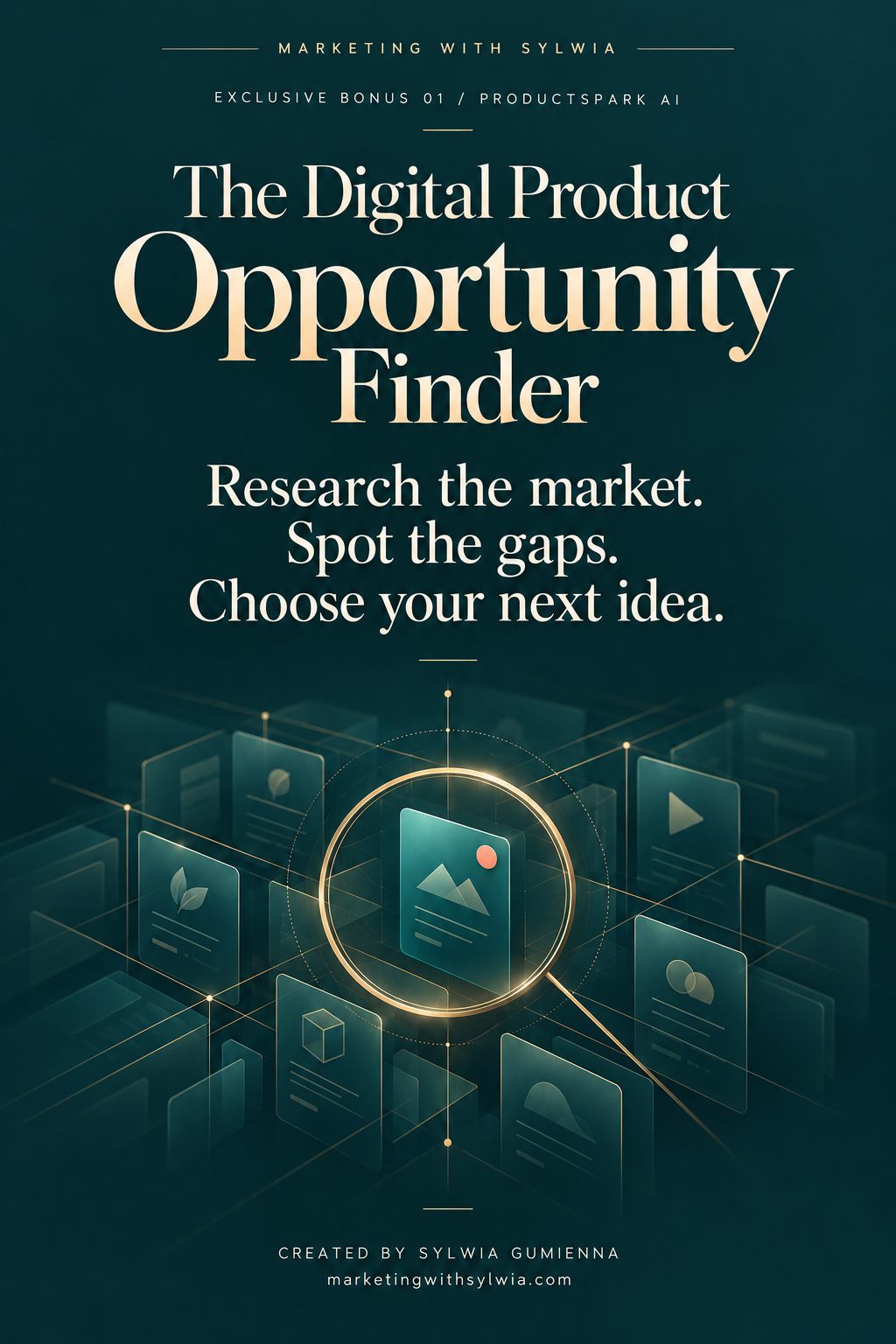
ProductSpark AI can turn a rough idea into ten product concepts—but choosing the right starting point matters. This guide shows you how to research WarriorPlus offers and MunchEye launches, compare what’s already available and identify buyer needs worth investigating. You get AI research prompts, a worked example and an opportunity scorecard to help you prepare a stronger brief for ProductSpark AI, with real market observations behind it.
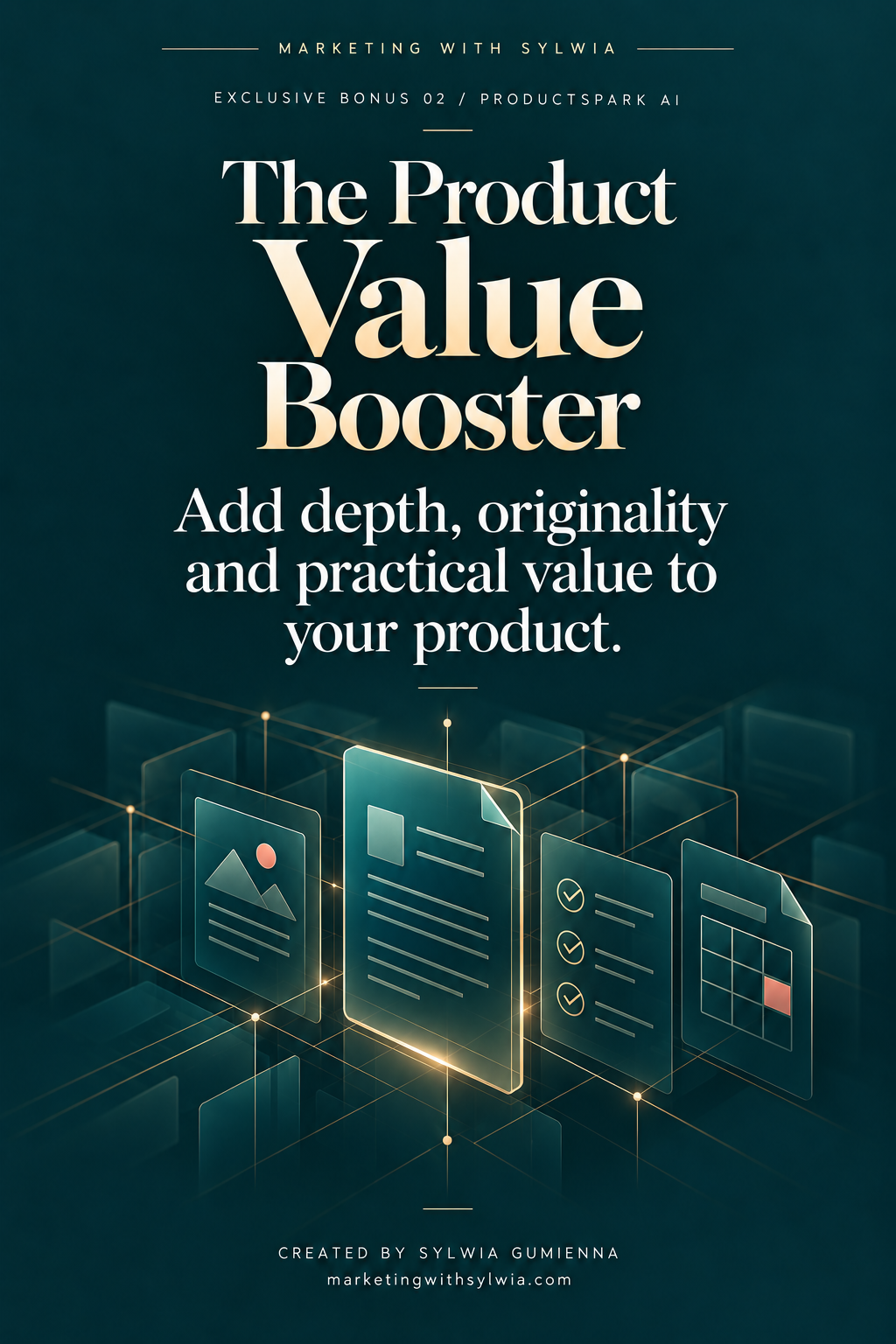
Once you’ve used ProductSpark AI’s master prompt to create your product, this guide helps you make the finished content more useful and more distinctly yours. Inside are ten focused AI prompts for adding practical examples, checklists, clearer first steps and your own experience and judgement. Worked examples show you how to select and integrate the right additions, so customers can put your material into practice without wading through unnecessary content.

You’ve created your product with the help of ProductSpark AI—now you need a convincing page where people can buy it. This kit provides a sequence of AI prompts to turn your product details into sales copy, review the claims and wording, and then build an HTML page from the approved draft. With publishing instructions, WarriorPlus checkout integration and troubleshooting checks, it helps you take the next practical step from product creation to a working sales page.
Included with Upsell 1 or Upsell 2 purchased through my link.

This guide covers what happens after your ProductSpark AI product and sales page are ready: setting everything up so customers can pay, receive their purchase and get help. You’ll find beginner-friendly WarriorPlus and Gumroad walkthroughs covering product listings, payment settings, delivery, affiliate arrangements and test purchases. It also includes prompts to create and finalise your JV page, plus a launch-day checklist—bringing the product, checkout, delivery and affiliate promotion together into a launch you can manage.
Included with Upsell 3 or Upsell 4 purchased through my link.
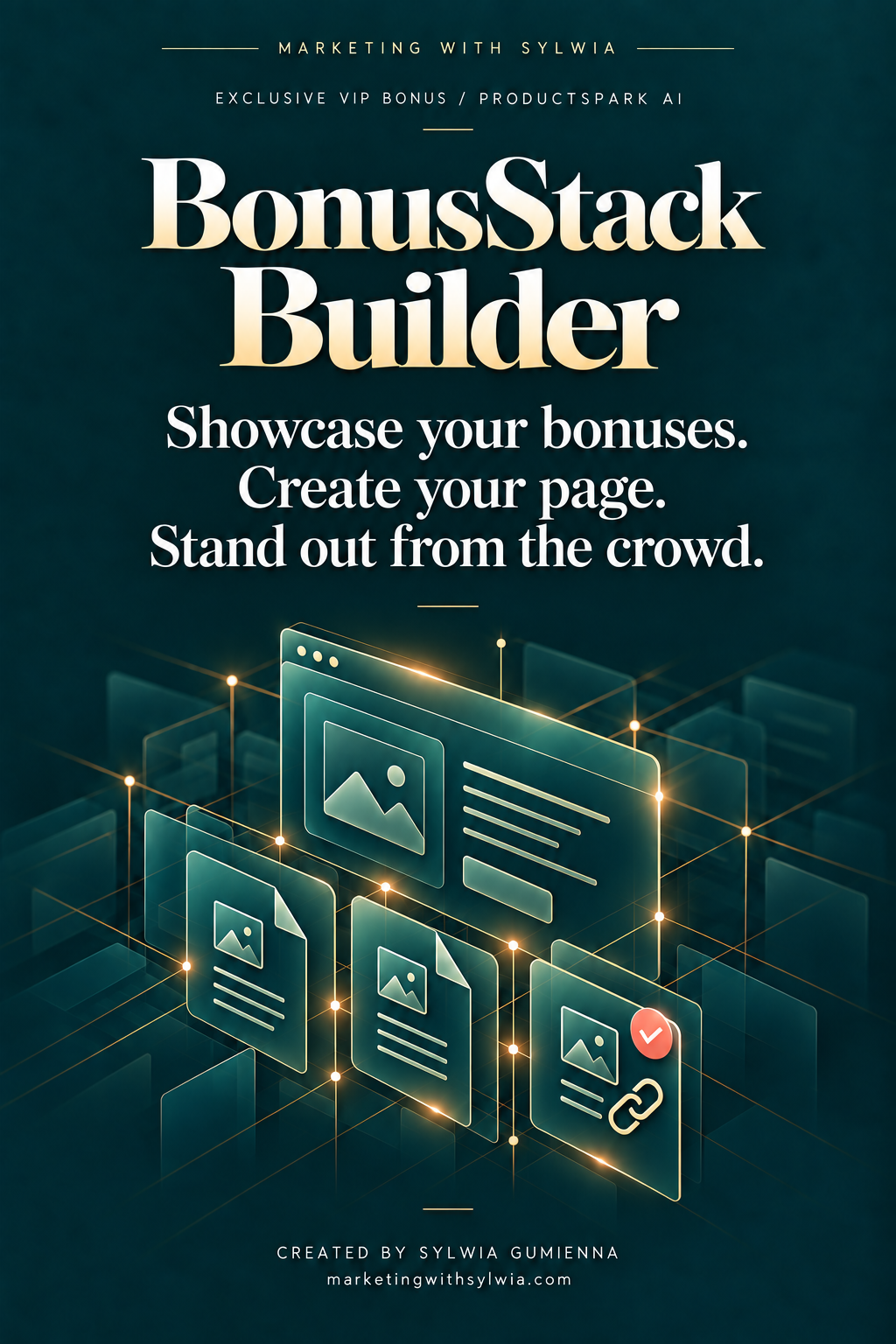
Exclusive to the first 10 buyers who purchase the complete product funnel through my link.
Create professional pages that showcase your affiliate bonuses and give buyers a reason to choose your link. Use the included prompts in your own AI assistant to prepare the copy, customise your page, then download it for your own hosting or Netlify. A ChatGPT account is required to access the builder. No coding experience needed.
– Your bonuses will be automatically delivered inside your JVZoo or WarriorPlus customer portal.
– If for any reason you experience any issues accessing your bonuses, we’ve got you covered! Simply visit our Claim Bonuses page, fill out the form, and we’ll assist you with accessing your bonuses.
I think the easiest mistake to make with ProductSpark AI would be expecting it to be an entire digital-product business packed into one $9.95 app.
It isn’t, and I actually don’t see that as a negative.
The software handles a very specific stage: deciding what you should create and giving your AI tool a much better instruction for creating it.
For somebody who constantly has ideas already and is very comfortable engineering detailed prompts, this may feel a little too simple.
But that isn’t really who I think it is designed for.
If you find yourself opening ChatGPT with the intention of creating something, typing a few vague prompts, getting uninspiring results and eventually giving up on the idea, ProductSpark AI gives that process much more structure.
I particularly like the ability to adjust ideas around your skill level, move between simpler and more premium concepts, and keep previous projects organised instead of losing everything inside different AI chats.
At $9.95, I think the pricing is sensible for the job it performs.
Just remember that the software gets you to the ready-to-build stage. You still need to create the actual product, check its quality, make sure there is demand for it and then market it.
Used with that expectation, I think ProductSpark AI is a useful little tool rather than another piece of software pretending AI will magically build a business for you.
ProductSpark AI Bonuses
If you decide to pick up ProductSpark AI through my link, you’ll also get access to exclusive bonuses designed to help you get results faster.
These bonuses are created to complement the main product and give you additional strategies, tools, and guidance so you can make the most out of the system.
Explore latest products of the day from WarriorPlus and JVZoo