

Royalty Profits AI Vol 2
Royalty Profits AI Vol 2 review: I tested this rebuilt AI KDP publishing platform to see what has really changed.

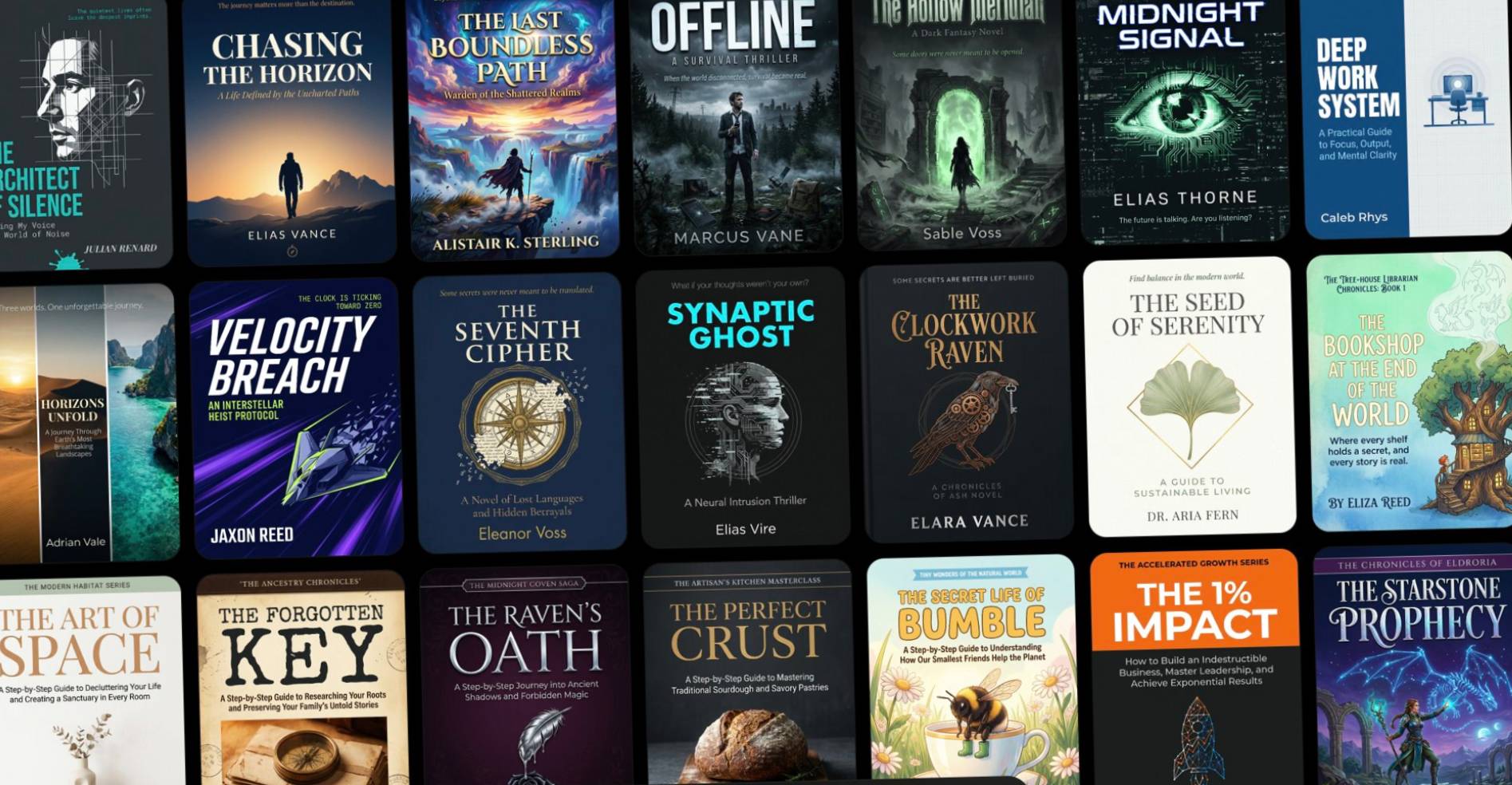
Book Cover AI Toolkit with PLR is a simple AI-assisted toolkit that helps you turn a plain description of a book into a structured prompt for creating book cover images.
The main idea is very straightforward.
You describe your book in normal language, the toolkit turns that into a structured JSON-style prompt, and then you use that prompt with AI tools like ChatGPT Image, Gemini/Nano Banana, Midjourney, Imagen, or other image generators.
What I like here is that it does not try to be another bloated “AI business in a box.” It solves one very specific problem: creating better-looking book cover prompts without needing to understand design language, typography, layout theory, or advanced prompt engineering.
And because PLR is included, you are not limited to personal use. You can use it for your own projects, create covers for clients, rebrand the toolkit, sell it, add it to a paid membership, use it as a bonus, or package it into another paid offer.
So you are not just buying a prompt helper. You are getting a small but practical asset you can actually use in different ways.
Book Cover AI Toolkit was created by Max Rylski, and I’ll be honest — Max is one of those vendors whose work I genuinely respect.
He does not launch every five minutes, which I actually appreciate. When he does put something out, it usually feels thought-through, practical, and created with care rather than rushed just to catch a trend.
I’ve seen enough digital products over the years to know the difference between something slapped together and something built by someone who actually understands the market. Max falls into the second category for me.
He has over 20 years of experience with graphics-related products and services, and he has also run a book cover design service in the past, so this toolkit makes perfect sense coming from him. This is not someone randomly jumping on AI book covers because it is a hot topic. He understands what makes a cover look polished, what makes it look amateur, and what details matter visually.
That is one of the reasons I feel comfortable recommending this. Max tends to put out highly decent, usable offers, and this one fits his usual style: simple, practical, not overcomplicated, and genuinely useful for the right person.

The main feature is the HTML Book Cover Prompt Generator.
This is a lightweight standalone file you can use without API keys, tokens, credits, or any complicated setup. You type your book description into the “Your Book Details” box, click generate, and the tool gives you a structured prompt you can use with AI.
One thing I like here is the simplicity.
You do not have to install software, connect accounts, learn Photoshop, mess around with Canva templates, or try to write perfect prompts from scratch.
You also get the JSON Master Prompt template, which is important because structured prompts tend to keep details cleaner. Instead of throwing one long messy paragraph at the AI, the JSON format separates important elements like genre, mood, layout, typography, title placement, colour direction, and image style.
That makes it much easier to tweak covers without starting over every time.
If the first version is too dark, you can adjust the mood. If the title feels too small, you can change the typography direction. If the cover looks too generic, you can refine the visual style.
The Quick Start Guide is also included, which is useful because this kind of product should not require a huge learning curve. The whole point is to help you create better book cover prompts faster, not overwhelm you with theory.
Another strong benefit is flexibility.
You can use Book Cover AI Toolkit for fiction books, non-fiction books, lead magnets, digital guides, short reports, course covers, PDF products, Kindle books, client projects, and PLR assets.
And because the toolkit works with free AI models, you do not need to add another monthly tool just to use it. That is a big plus for beginners or anyone trying to keep costs low.
Newer AI image models have become much better at rendering text. That matters because older AI image tools were honestly terrible for book covers. Titles came out blurry, letters were scrambled, and author names often looked unusable.
This toolkit is designed to take advantage of those newer models by giving them much clearer instructions.
The workflow is simple.
First, you describe your book in plain English.
You can include the book title, subtitle, author name, genre, mood, style, colours, layout ideas, and any important details you want reflected in the cover.
For example, you might say your book is a cozy romance set in a coffee shop, a psychological thriller with a dark bedroom and mirror, a fantasy novel with a lone hero, or a clean non-fiction guide about online business.
Then the prompt builder turns your plain description into a structured JSON prompt.
After that, you paste the JSON prompt into an AI chat tool like ChatGPT, Claude, Gemini, Grok, or another model. The AI reads the structured prompt and creates a more detailed image prompt.
Finally, you copy that finished prompt into your preferred AI image generator and create the cover.
You can repeat the process as many times as you want. You can test different styles, create multiple versions, change genres, swap colour palettes, adjust the typography, or build a whole library of reusable prompt templates.
That is where the toolkit becomes practical. It is not just about making one cover. It gives you a repeatable process you can use again and again.
Book Cover AI Toolkit is a good fit for self-published authors, especially if you are creating Kindle books, short reads, fiction books, non-fiction books, journals, lead magnets, or digital guides.
It also makes sense for affiliate marketers, digital product sellers, PLR creators, coaches, course creators, and anyone who needs book-style graphics for content or offers.
If you offer services, you could use it to create book cover concepts or simple cover images for clients. Even one small client job could easily cover the cost of the frontend offer.
I would not position this as a total replacement for a high-end professional designer if you are producing a major publishing project and need perfect typography, print formatting, or full brand direction.
But for everyday digital publishing, lead magnets, mockups, quick cover concepts, PLR products, and AI-assisted book creation, it is genuinely useful.
The PLR rights also make it attractive for people who like buying tools they can rebrand, resell, bundle, or turn into bonuses.
The biggest reason I would choose Book Cover AI Toolkit is that it keeps the process focused.
A lot of AI tools try to do too much. This one does not. It helps you create stronger book cover prompts, gives you a cleaner structure, and lets you use the AI image tool of your choice.
I also like that it is not locked behind credits or a monthly subscription. The prompt builder is a standalone HTML file, which makes it feel more practical and less fragile. You are not relying on someone else’s dashboard staying active.
Another thing that stands out to me is the PLR license. You are not just getting something to use privately. You can turn it into a small asset for your own business, your audience, your services, or your product stack.
Cozy Co-Author would actually complement Book Cover AI Toolkit beautifully, because one helps you create the book, while the other helps you create a strong-looking cover for it.
Søren’s system walks you through planning, writing, editing, publishing, and promoting a full Kindle novel, while Max’s toolkit helps you handle one of the most important visual pieces of that publishing process — the cover. Together, they make a lot of sense if you’re serious about using AI to build proper book assets instead of just creating random content.
Click here to check out Cozy Co-Author
Pros:
The frontend price is low for what you get, especially with PLR included.
It works with free AI tools, so you do not need extra paid software just to use it.
The JSON prompt structure makes the output cleaner, easier to edit, and easier to reuse.
It is useful for both personal projects and client/service work.
The PLR rights give it more monetization potential than a normal prompt pack.
Cons:
You still need to use an AI image generator, so the final results depend partly on the model you choose.
Some covers may still need a few rounds of tweaking before they look right.
It is not a full design course, so if you want advanced cover design theory, this is more of a practical shortcut than formal training.
The frontend offer is Book Cover AI Toolkit with PLR for $17.
This includes the HTML prompt builder, JSON Master Prompt template, and quick start guide. The purpose is to help you turn plain book descriptions into stronger AI prompts for creating book cover images.
For the price, I think the frontend is the main thing most people should look at first. It gives you the core tool and the PLR rights, which already makes it useful.
OTO1: Prompt Remixer with PLR — $27
This upgrade gives you a large swipe file of phrases and sentences to use with the Prompt Builder.
It breaks down 10 popular fiction book genres and includes guidance for layouts, colour palettes, font combinations, mood, atmosphere, image types, and other visual details.
This is useful if you want more style variety and do not want to keep thinking of visual language from scratch.
OTO2: Done-For-You Curated Prompts with PLR — $27
This includes 100 premium JSON prompts for book covers across 10 popular fiction genres.
You can see what each cover looks like and use the exact prompt to recreate it. You can also pull individual elements from the prompts and mix them into your own covers.
This is helpful if you prefer starting from examples rather than a blank page.
OTO3: Prompt Remixer + DFY Prompts for Non-Fiction with PLR — $37
The previous two upgrades focus on fiction. This one is built for non-fiction covers.
That makes sense if your audience is more interested in business books, self-help books, coaching guides, reports, educational content, or digital products.
I actually like that this is separated, because fiction and non-fiction covers need different visual treatment. A thriller cover and a business guide should not look like they came from the same template.
OTO4: Systeme.io Full Funnel — $97
This upgrade is mainly for resellers and PLR marketers.
You get a copy of the full sales funnel with the frontend and three OTOs, ready to import into Systeme.io. The pages come formatted with sales copy and images, so you can resell the funnel more easily.
This is not necessary if you only want to use the toolkit for yourself.
But if you are buying with the intention of rebranding and selling it, this could save a lot of setup time.
Is Book Cover AI Toolkit beginner-friendly?
Yes. The whole point is that you do not need design skills, Photoshop skills, Canva skills, API keys, or advanced prompting experience. You describe the book in plain English and let the prompt builder structure it.
Do I need a paid AI subscription?
No. The toolkit is designed to work with free AI models as well. Of course, results may vary depending on which image tool you use.
Can I use it for client work?
Yes. The PLR license allows you to use it for your own commercial projects and for client projects.
Can I resell Book Cover AI Toolkit as my own?
Yes, according to the PLR rights, you can rename it, rebrand it, edit the sales page and graphics, sell unlimited copies, and keep the money.
You cannot give it away for free, add it to a free membership site, or transfer resale rights, master resale rights, or PLR rights to your buyers.
Is this only for fiction books?
No. The frontend can be used for any book type, topic, or genre.
Some of the upgrades focus specifically on fiction or non-fiction, but the main toolkit itself is flexible.
Will it create the actual finished book cover file?
It helps you create the prompt that generates the cover image inside an AI image tool.
You may still want to do final checks, resizing, or small edits depending on where you plan to publish it.
Is this a replacement for a professional designer?
For some simple projects, possibly.
For serious publishing projects where brand positioning, typography precision, and print-ready formatting matter, a designer can still be valuable.
But for quick covers, lead magnets, digital products, mockups, and AI-assisted publishing projects, this is a very useful shortcut.
Can I use it for Kindle books?
Yes, you can use it to create cover concepts or cover images for Kindle books.
Just make sure your final cover meets Amazon’s size and quality requirements before uploading.
Can I use the covers commercially?
That depends partly on the AI image tool you use and its terms, so always check the terms of the specific platform generating the final image.
The toolkit itself includes PLR rights, but the image generator’s own usage rules still matter.

This report explores how to effectively use Private Label Rights (PLR) content to generate income. It covers strategies for rebranding, adding value, bundling products, marketing, and creating sales funnels to maximize profits.

Exclusively created to help my lovely buyers:) publish faster with fewer headaches. This one-page cheat sheet shows exactly what to click, what to double-check, and what to avoid inside KDP. It’s designed to prevent common rejection triggers, fix formatting/previewer issues before they cost you time, and help you hit “Publish” with confidence so you can skyrocket results sooner.

Turn any manuscript into a ready-to-publish Amazon KDP listing that’s built to rank and built to convert. This prompt makes the AI act like an SEO-first KDP copywriter—pulling only what’s truly in the book to craft a scannable, Amazon-friendly description, high-intent long-tail keywords, and the best-fit categories. Clean, compliant, and click-worthy—without hype, stuffing, or sketchy claims.
– Your bonuses will be automatically delivered inside your JVZoo or WarriorPlus customer portal.
– If for any reason you experience any issues accessing your bonuses, we’ve got you covered! Simply visit our Claim Bonuses page, fill out the form, and we’ll assist you with accessing your bonuses.
Book Cover AI Toolkit is one of those simple products that makes sense because it solves a very specific problem.
It is not trying to teach you the entire publishing business. It is not pretending that AI will magically turn you into a bestselling author. It simply helps you create better book cover prompts faster, with less guesswork and less design overwhelm.
What stands out to me is the practical combination of the prompt builder, the JSON structure, and the PLR rights.
You can use it for yourself, create covers for clients, rebrand it, sell it, add it to a bigger paid package, or use it as a bonus.
To be fair, you will still need to test and refine your covers. AI image generation is much better than it used to be, especially with text, but it is not perfect every single time. Some outputs will be stronger than others.
That said, for the low frontend price, I think this is a very decent little toolkit — especially coming from Max Rylski, whose work I already respect.
My realistic verdict: Book Cover AI Toolkit is worth picking up if you create books, lead magnets, digital products, PLR assets, or client graphics and want a simple way to generate better AI cover prompts without starting from scratch.
Book Cover AI Toolkit Bonuses
If you decide to pick up Book Cover AI Toolkit through my link, you’ll also get access to exclusive bonuses designed to help you get results faster.
These bonuses are created to complement the main product and give you additional strategies, tools, and guidance so you can make the most out of the system.
👉 Click here to get Book Cover AI Toolkit + all exclusive bonuses
Explore latest products of the day from WarriorPlus and JVZoo